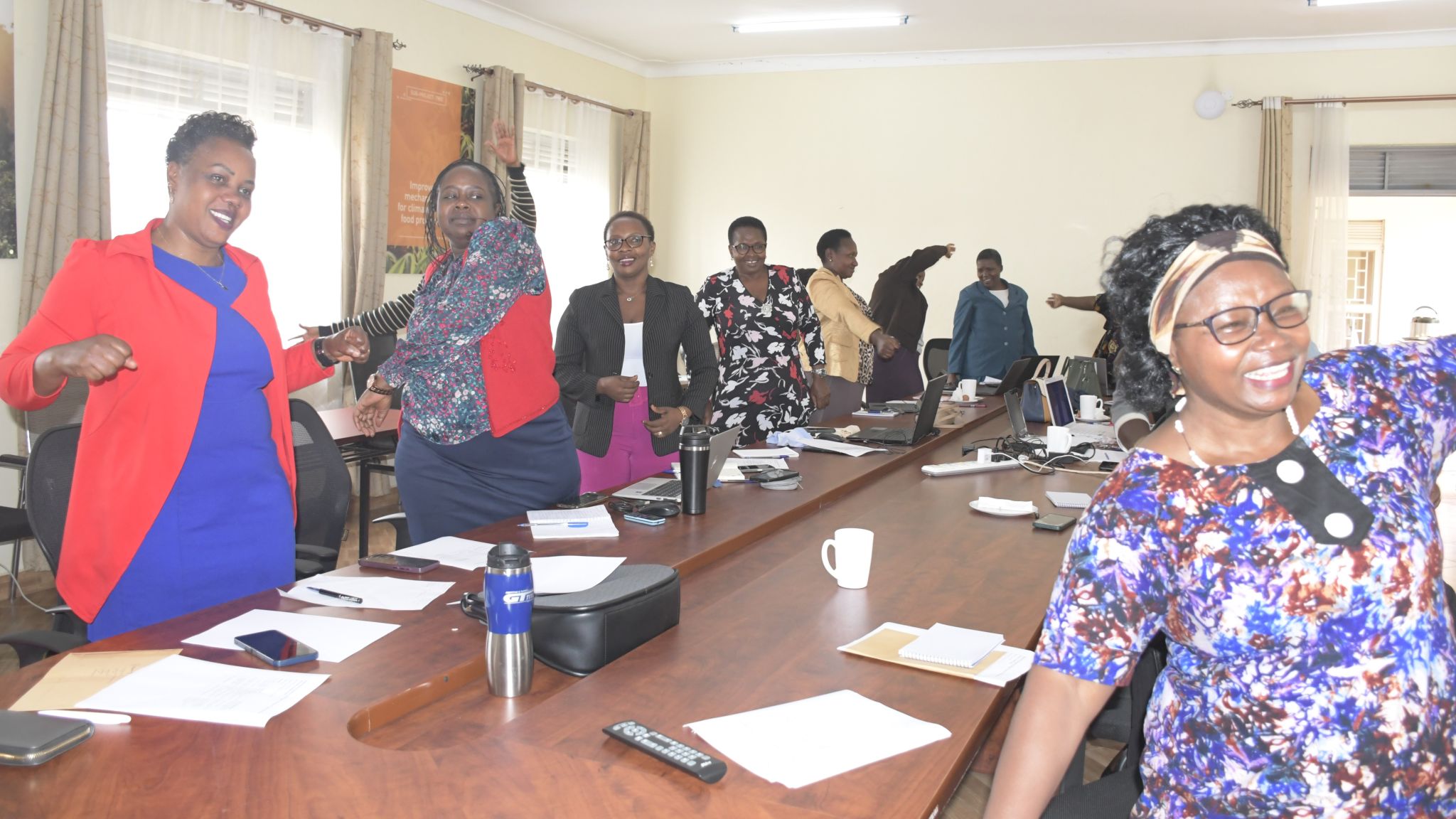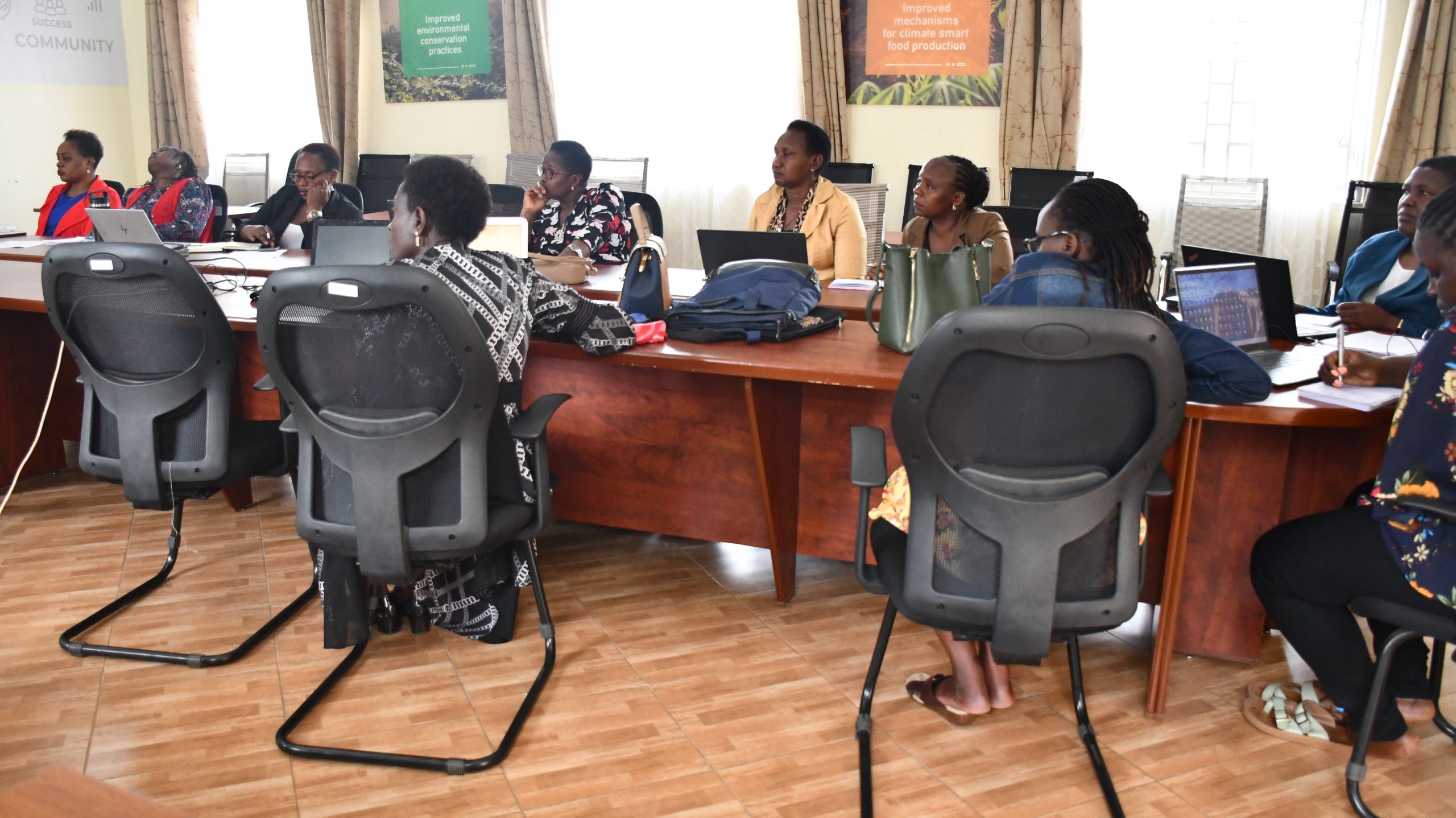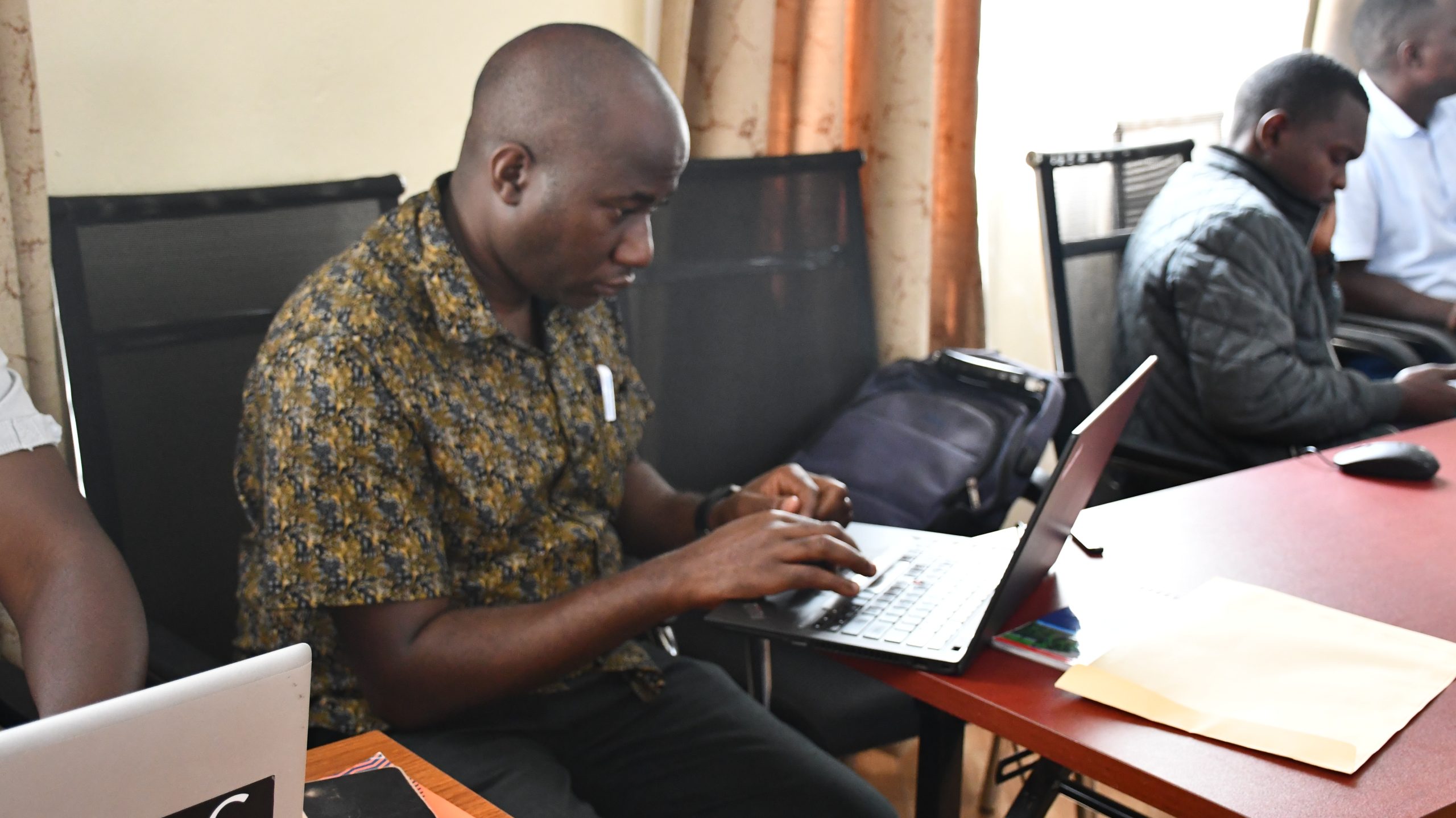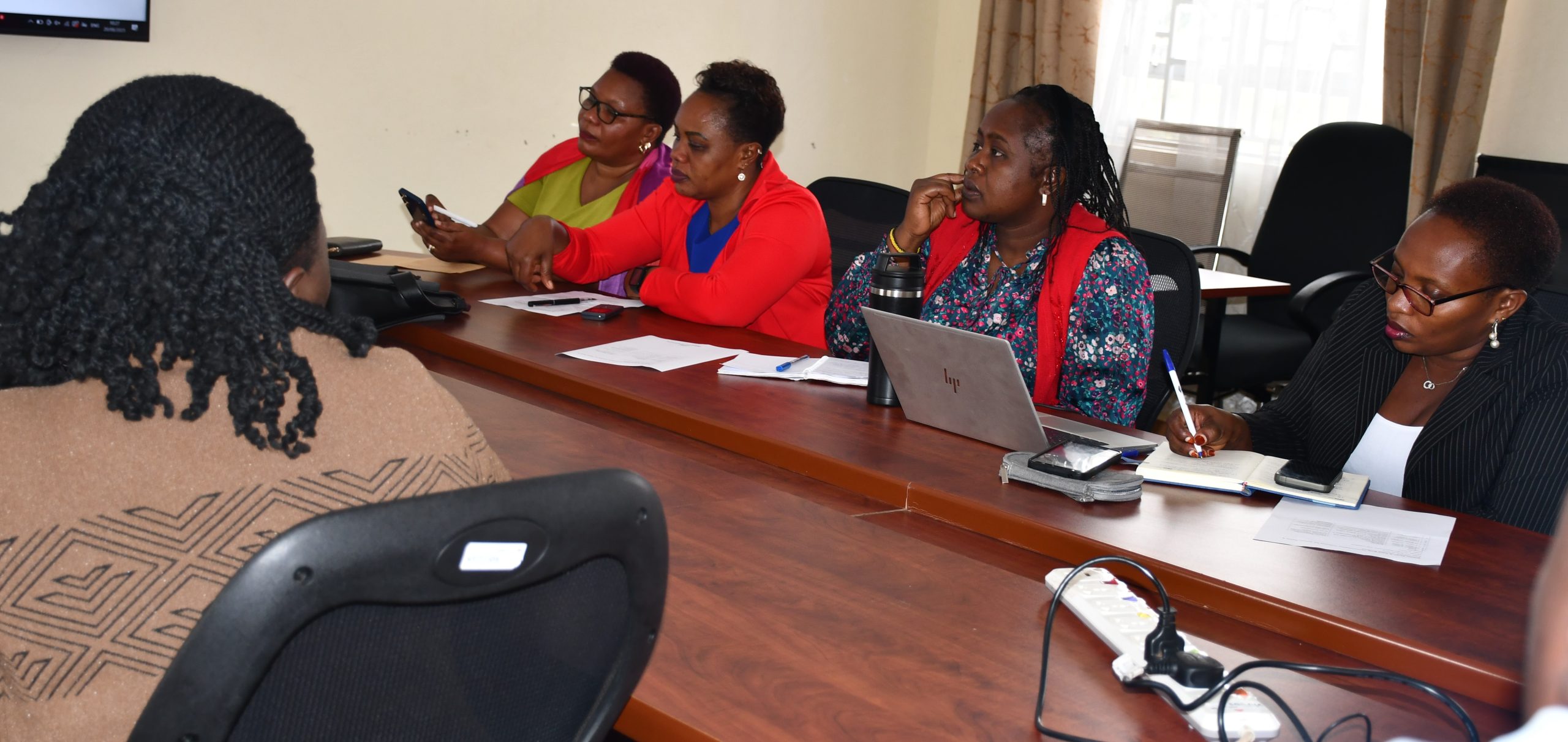
As part of the ongoing efforts to strengthen ICT utilization and accessibility in communities, Sub-Project 6 conducted a one-day training on digital skills and emerging technologies for administrative assistants and secretaries at MUST on 20th August 2025.
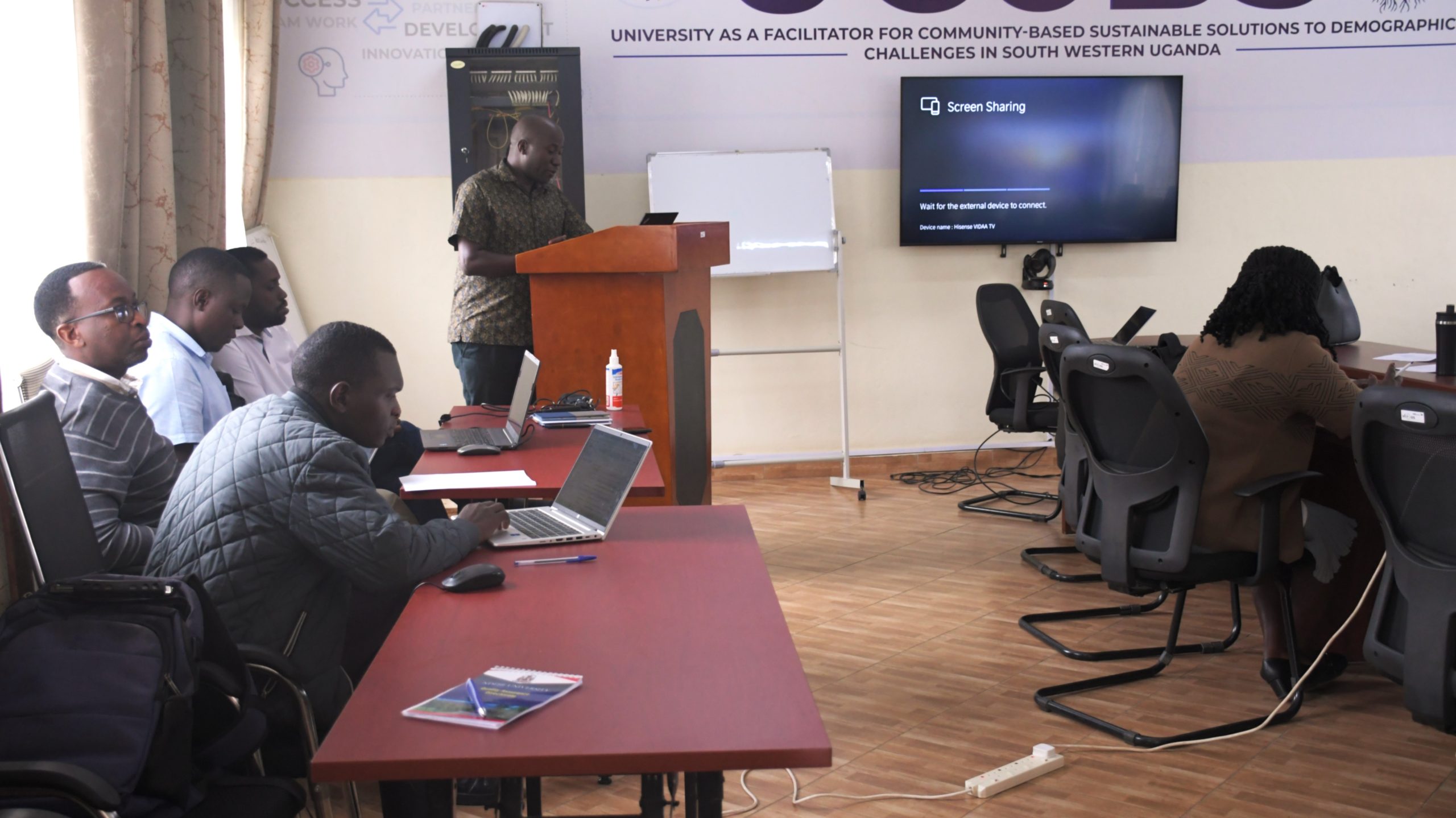
The training was officially opened by Dr. Fred Kaggwa, who highlighted the critical role of ICT in driving efficiency, innovation, and organizational effectiveness. He encouraged participants to embrace technology not as a challenge but as an enabler of transformation.
The workshop was facilitated by Mr. Amos Baryashaba, supported by a team of seven staff members. It showcased the project’s strong commitment to empowering staff in administrative roles.
The training aimed at ;
- Bridging digital gaps and enhancing capacity in day-to-day operations
- Introducing artificial intelligence (AI) concepts and their relevance to administrative work.
- Improving competence in online meeting management and productivity tools.
- Building awareness on effective ICT problem-solving before escalating to support staff and promoting secure, collaborative, and efficient digital work practices.
Examples of AI Applications in Administration:
Email Management: AI-powered email filters that prioritize urgent messages.
Scheduling Meetings: Smart assistants (e.g., Google Assistant, Microsoft Copilot) that automatically find suitable meeting times.
Document Preparation: AI writing assistants that draft reports, memos, and meeting summaries.
Data Handling: AI-enabled systems that automatically sort, classify, and retrieve documents.
Customer Service: Chatbots that respond to frequently asked inquiries, freeing time for administrative staff.
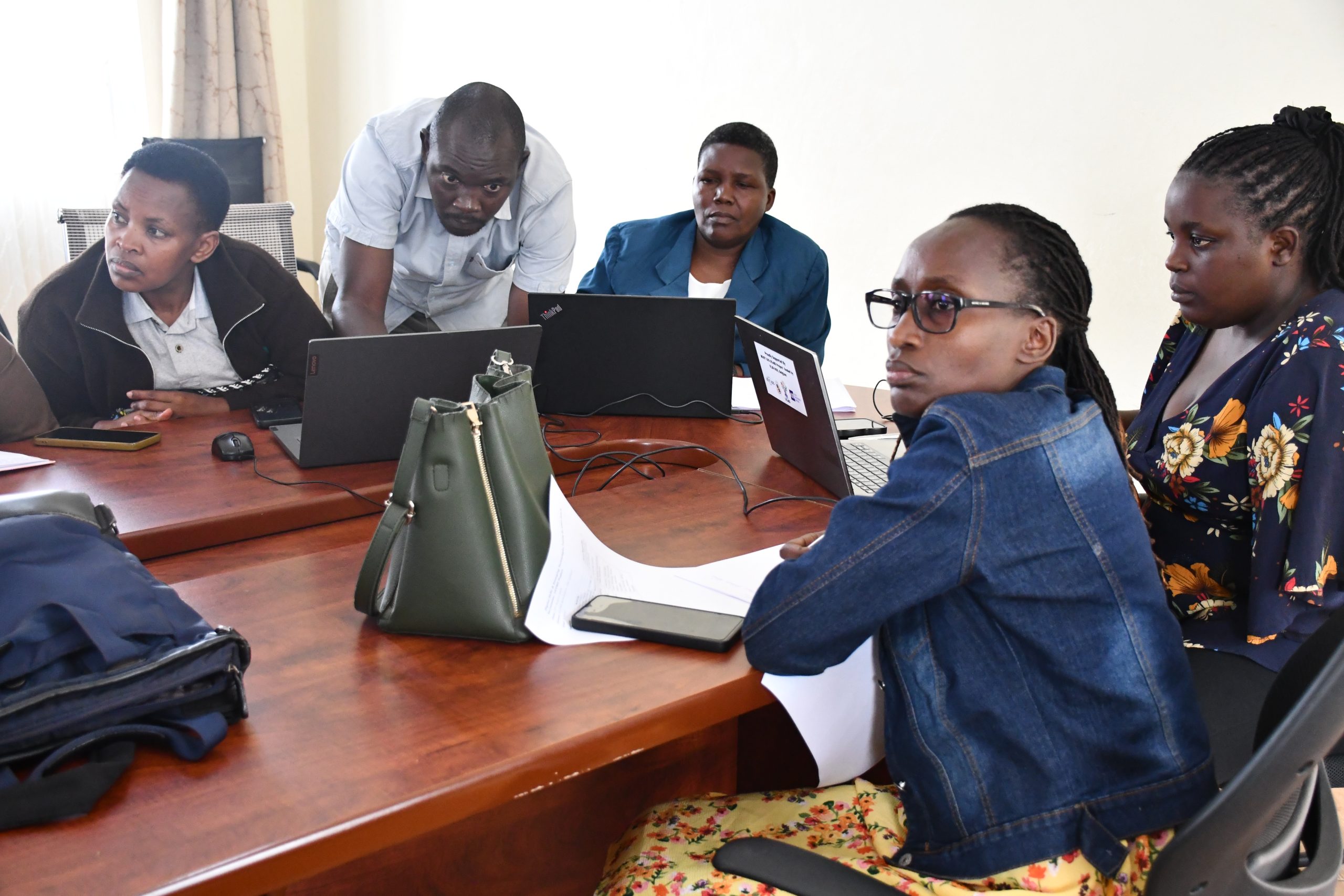
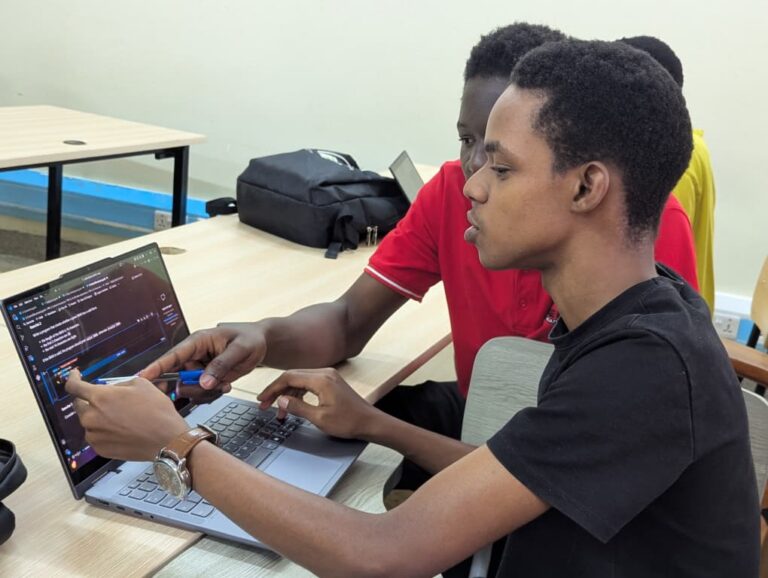
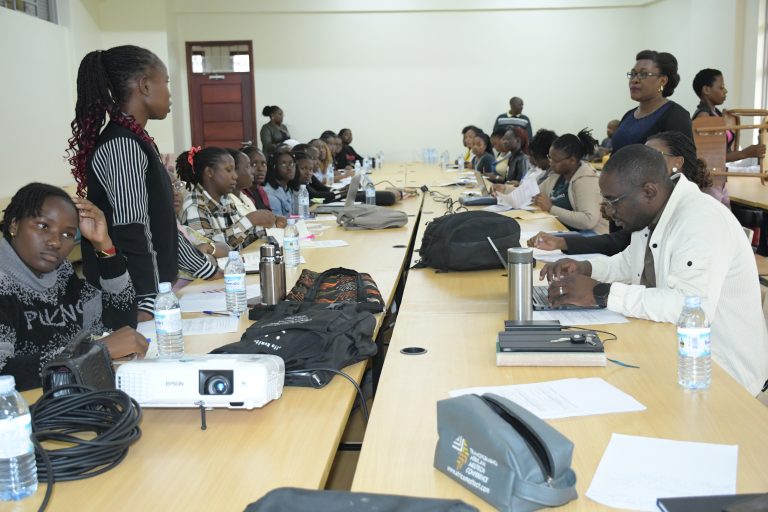
Left, Participants during the training session
Dos and Don’ts Before Calling ICT Support
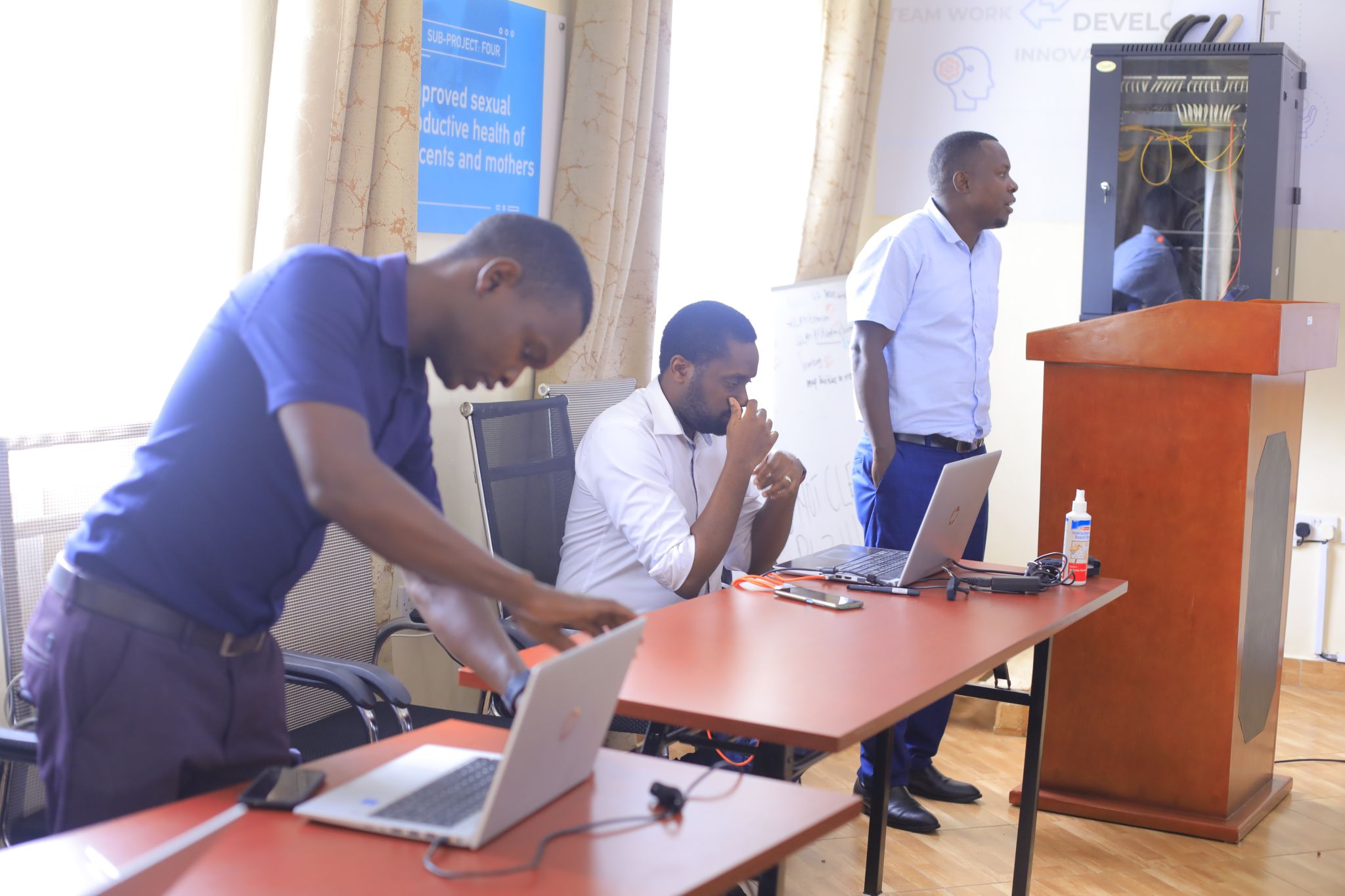
On the left, Peter Bambanza taking the participants through the dos and don’ts.
Do’s
- Check all cables and power connections.
- Restart the computer or device (often solves basic issues).
- Ensure the internet connection is active.
- Confirm that software or applications are up to date.
- Try alternative login credentials or reset forgotten passwords.
Don’ts:
- Do not attempt to fix advanced issues without guidance.
- Do not ignore error messages; document them for ICT staff.
- Do not delay reporting recurring problems.
- Do not install unauthorized software to fix issues.
We also looked at managing online meetings before, during, and after the meeting and the use of Google Drive, Google Docs, Google Sheets, and Google Calendar, which helps in scheduling, sending reminders, and avoiding double bookings.
Key Outcomes
- Improved understanding of AI and its potential in administration.
- Strengthened competence in handling ICT-related issues before escalation.
- Increased confidence in managing online meetings effectively.
- Enhanced skills in using Google productivity tools for collaboration.
- Greater awareness of digital calendars for efficient scheduling.
🙏 Appreciation to the entire Mbarara University of Science & Technology fraternity, VLIRUOS, Rudy Gevaert (Flemish Team Leader), the Project Support Unit administration, and the Computing Services Department for their unwavering support and collaboration.
Together, we’re building a digitally empowered administrative workforce ready to embrace the future.
hashtagDigitalTransformation hashtagICTSkills hashtagAIinAdministration hashtagCapacityBuilding
Gallery: